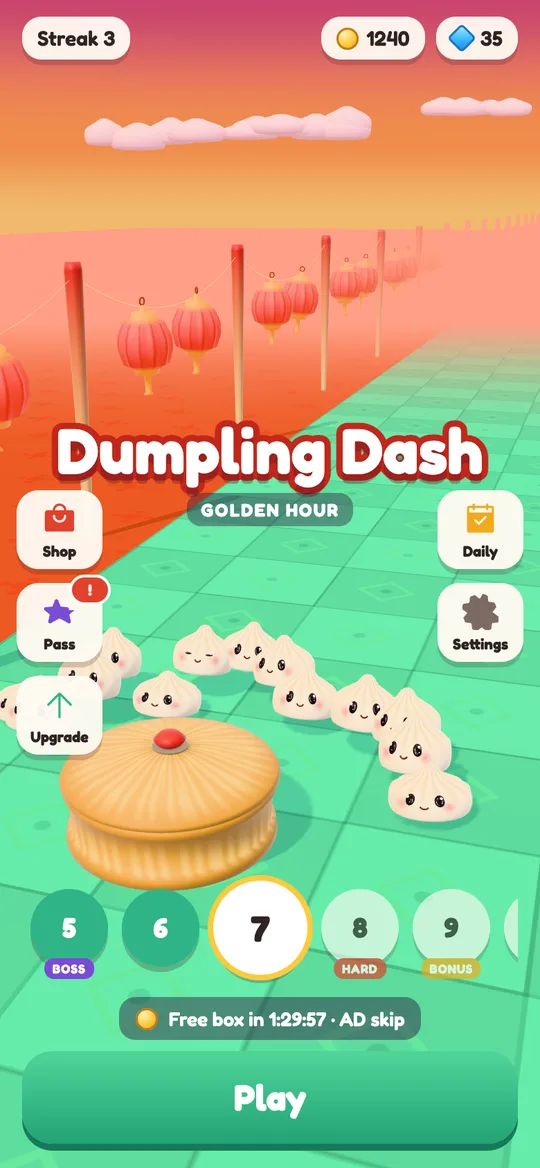
 Dumpling Dash
What do child-directed ads mean in a kids game?
A plain guide for parents to the ad setting behind many family games, with a real example from Dumpling Dash.
In this guide
Child-directed ads are ad requests a game marks as coming from a child. The ad network then switches off profiling: no personalised ads, no advertising ID used to build a profile, and a stricter content rating. The child still sees ads, but they are chosen from the game and the moment, not from what the network knows about them.
You spot the words "child-directed ads" in a game's privacy policy or on its Google Play page. It sounds reassuring, but what does it actually change on your child's phone?
This guide explains the label in plain words. We make Dumpling Dash, a cartoon dumpling game for a mixed audience, so we use it as a worked example and show the exact settings it sends. You can use the same questions to judge any free game.
What the label means
When a free game wants to show an ad, it sends a request to an ad network, such as Google AdMob. That request can carry a flag that says, in effect, "the person playing is a child, treat them that way".
Once that flag is set, the ad network changes how it picks the ad:
- No personalised ads. The ad is not chosen from your child's past behaviour, other apps or browsing. It is picked from the context instead, such as the type of game.
- No profile from the advertising ID. Android phones have an advertising ID that ad networks can use to recognise a device over time. With the child flag, it is not used to build a profile or tailor ads.
- Stricter content. Most networks also let the game cap the content rating. A G rating keeps ads to material suitable for a general audience.
So "directed to children" does not mean "no ads". It means the ads are not targeted at your child as a person.
Why games mark ad requests this way
There are two reasons, one legal and one practical.
The legal one: in the United States, the COPPA law protects children under 13 from having personal information collected online without a parent's consent. Other countries have their own child privacy rules. Telling the ad network "this is a child" is how a game keeps the network from treating a young player like an adult.
The practical one: Google Play has a Families policy for apps that appeal to children. Games in it must use ad networks that follow the policy and must treat child players carefully.
A game can be:
- Made only for children. Every ad request is flagged as a child request, for every player.
- For a mixed audience. The game asks the player's age in a neutral way, then flags requests only for younger players. Older teens and adults get the normal ad experience, with a consent form where the law requires one.
Dumpling Dash is a mixed-audience game. Cute dumplings appeal to children, but plenty of adults play crowd runners too.
How Dumpling Dash decides who gets them
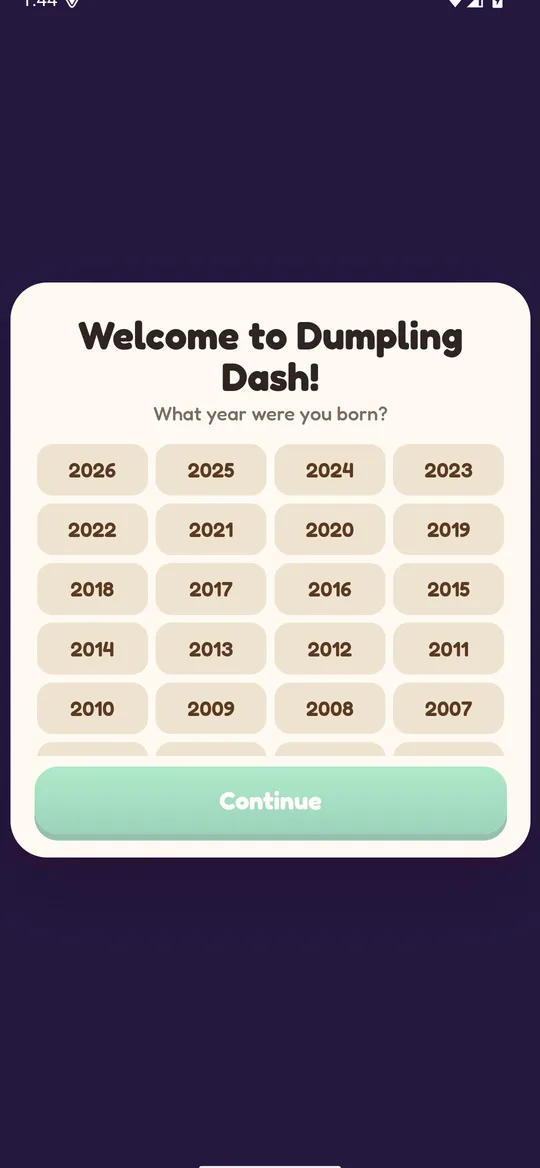
The first time the game opens, it asks one question: "What year were you born?" No year is pre-selected, and Continue stays greyed out until a year is tapped. Nothing hints at a right answer.
The year is saved only on the phone. The game uses it for one thing, which is choosing how ads work:
- Under 13: every ad request is marked as directed to children and as under the age of consent. It asks for non-personalised ads only, no consent form is shown, and the advertising ID is not used to build a profile.
- 13 and over: Google may use the advertising ID and an approximate location from the IP address to show and measure ads. Where the law requires it, Google's consent form asks first, and the choice can be changed later in Settings → Ad privacy choices.
- Everyone: ads are capped at a G content rating.
If you set the game up for a young child, it is worth tapping the right year together at first launch. Our parents' guide to Dumpling Dash covers the rest of the game's safety settings.
What the flag does not change
It helps to be clear about the limits, so you know what still needs your attention.
- Your child will still see ads. They are less targeted, not gone. In Dumpling Dash, playing with the phone offline shows no ads at all, because the game itself works without the internet.
- How often ads appear is up to the game. The flag says nothing about how many ads a game shows or when. That is a design choice, so look at it separately.
- It does not cover purchases. A child-safe ad setting does not stop in-app purchases in other games. Our guide on turning off in-app purchases on Android walks through the Google Play settings for that. Dumpling Dash itself has no in-app purchases.
- Ads should still look like ads. Good games make it obvious what is an ad and what is the game.
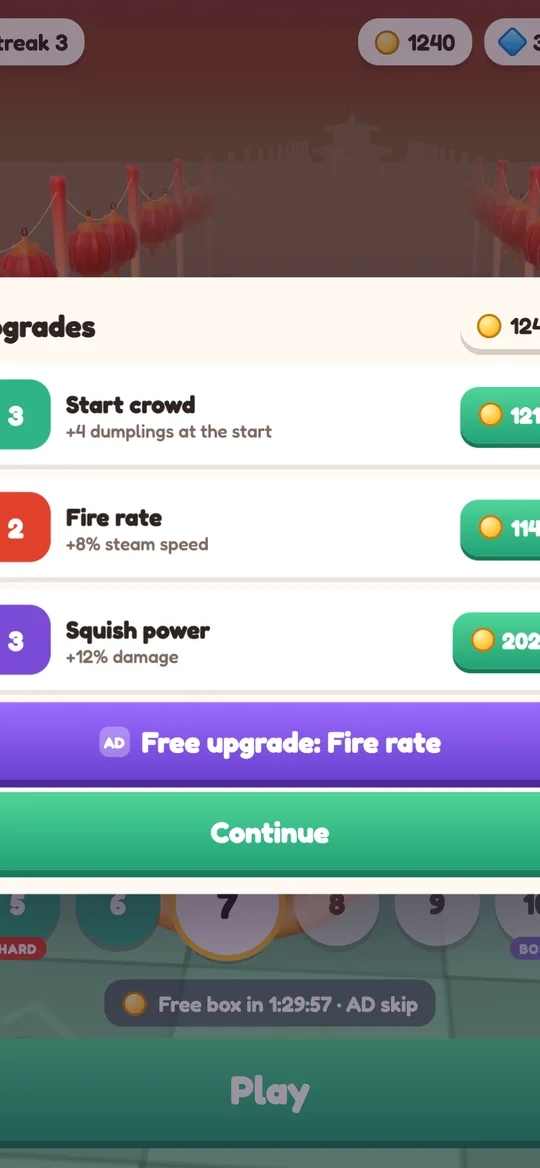
In Dumpling Dash, every optional video sits behind a button marked AD. Nothing plays unless the player taps it.
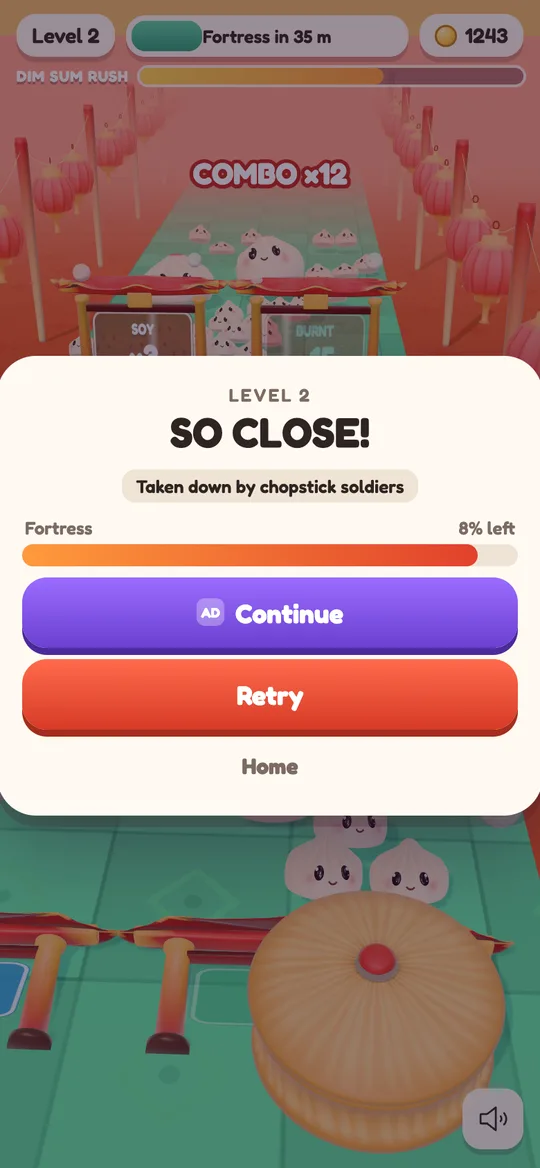
Break ads only appear after a level the player won, from level 6, at most after every second win and at most once every 3 minutes. One small banner shows on menus and result cards, never during play.
How to check any kids game
You can run this short check on any free game before handing it over.
- Open the game's Google Play page and scroll to "Data safety". Look for whether the app collects device or other IDs, and why.
- Read the privacy policy linked from the same page. Search it for "child", "children" or "under 13". A careful game says plainly what it does for younger players.
- Watch the first launch with your child. If the game asks for an age, answer honestly. A neutral question with no pre-selected answer is a good sign.
- Play two or three levels yourself. Notice when ads appear. Are they only after a level, or in the middle of play? Is every reward video clearly labelled?
- Look for a grown-up gate. Many family games put a short question, such as a sum, in front of outside links and data deletion. Dumpling Dash does this for players under 13.
- Check your Android settings. In your phone's Google settings you can reset or delete the advertising ID, which clears the link to any past activity.
The short version for busy parents
These ads switch off the personal side of advertising: no profiling, no tailored ads, and a stricter content cap. They do not remove ads or limit how many a game shows, so you still want to look at when ads appear and whether they are clearly marked.
A good family game asks for age neutrally, keeps that answer on the device, labels every video and stays out of the way during play. If you have questions about Dumpling Dash, write to us at hello@digcy.com, and the full details are in our privacy policy.
FAQ
Does child-directed mean there are no ads?
No. The game still shows ads, but they are not personalised and the advertising ID is not used to build a profile. The ad is picked from context, not from the child.
What is the difference between personalised and non-personalised ads?
Personalised ads are chosen from what an ad network knows about a device, such as past activity. Non-personalised ads are chosen from context, like the type of app, and an approximate region.
How does a game know my child is under 13?
Most mixed-audience games ask for a birth year or age at first launch. Dumpling Dash asks "What year were you born?" once and keeps the answer only on the phone.
What happens if my child enters the wrong birth year?
They may get the ad setup for the wrong age group. In Dumpling Dash you can fix it with Settings → Delete my data, which restarts the game with the age question.
Can I turn off ad tracking on Android myself?
Yes. In your phone's Google settings you can reset or delete the advertising ID. This works for every app on the device, not just games.