 Dumpling Dash
Is Dumpling Dash safe for kids? A parents' guide
Ads, purchases, data and settings, explained in plain words by the team that made the game.
In this guide
Dumpling Dash is a cartoon crowd runner with no accounts, no chat and progress saved only on the device. It asks for a birth year once, keeps it on the phone and gives players under 13 only child-directed, non-personalised, G-rated ads. Videos are optional, a small banner shows only on menus and result screens, and for under-13s every purchase, outside link and data deletion sits behind a grown-up question.
Your child wants to play a game about running dumplings into a chopstick fortress. Before you say yes, you probably want to know how a free game like this makes money and what it does with your child's data.
Is Dumpling Dash safe for kids? We made it, so this guide answers that from the inside. Everything here matches our privacy policy. We also point you to the settings on your Android phone that are worth a look for any game.
What kind of game is it?
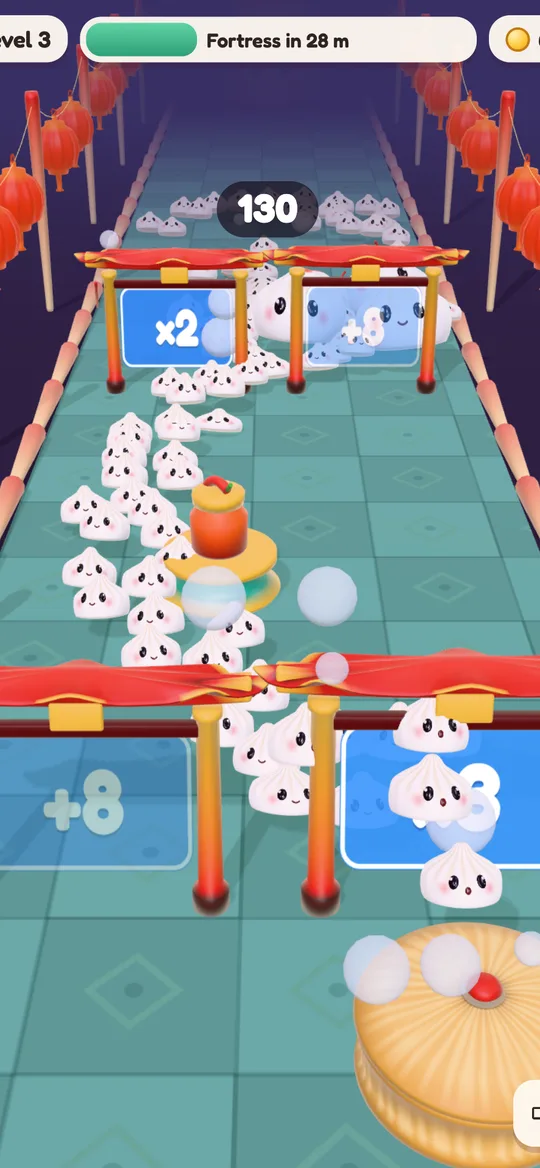
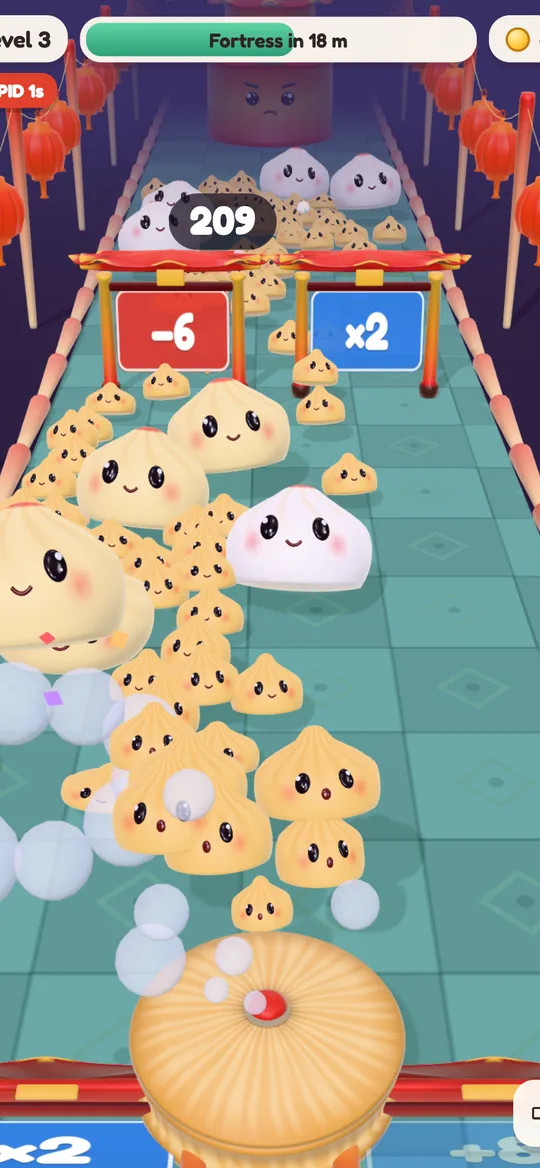
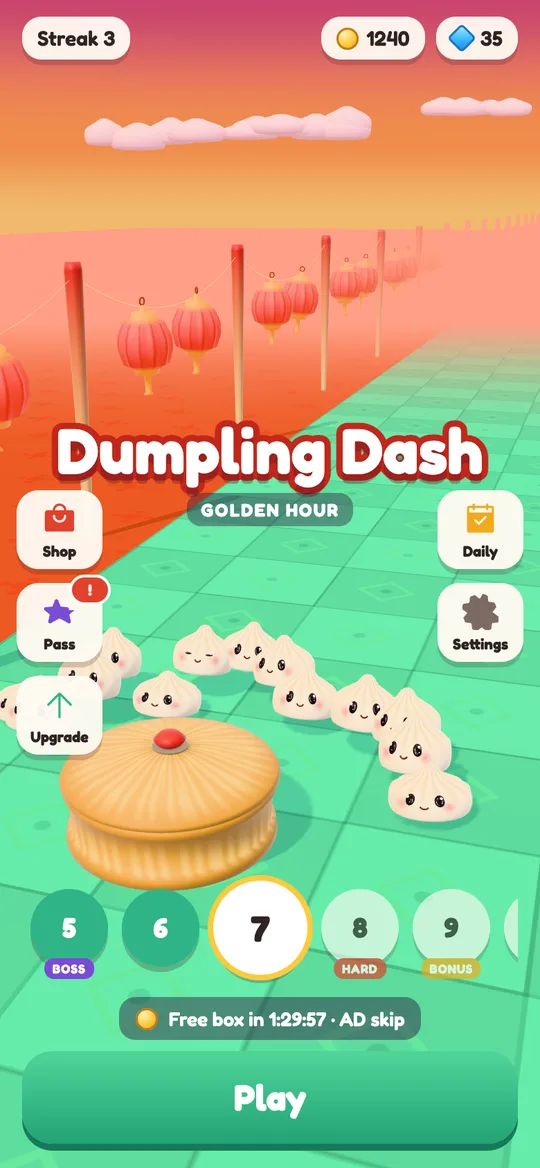
Dumpling Dash is a casual crowd runner. Your child holds a finger on the screen to steam out cute dumplings, drags to steer them through gates and tries to knock down a chopstick fortress at the end of the street. Levels are short, about a minute each.
- Violence is cartoon only: dumplings squish chopstick soldiers, which pop into crumbs. There is no blood and nothing realistic.
- There is no chat, no friend list and no way to talk to other players.
- There are no accounts. Nobody signs in, and there is no profile with a name or photo.
- It plays offline. The internet is used only for ads and purchases.
If you want to see what a level looks like, our beginner's guide walks through one step by step.
The age question
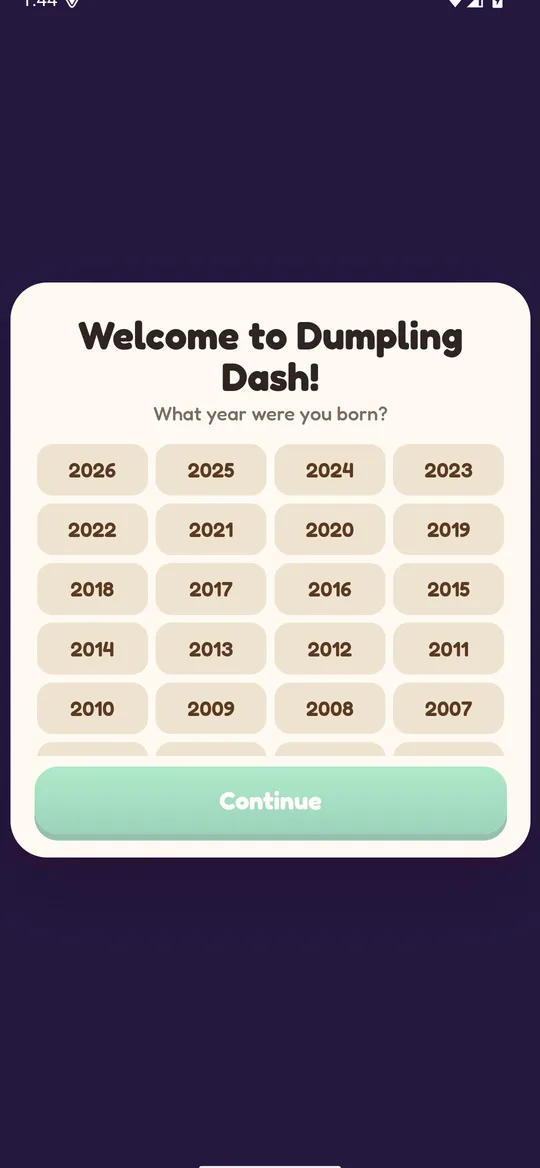
The first time the game opens, it shows a welcome screen that asks: "What year were you born?" No year is pre-selected, and Continue stays greyed out until a year is tapped, so nobody is nudged toward an answer.
That year never leaves the phone. The game uses it only to decide how ads work. If you hand the phone to a young child for the first launch, it is worth tapping the right year together.
How ads work
Dumpling Dash is free, and ads pay for it. It uses Google AdMob, and all ads are limited to a G content rating. There are three kinds:
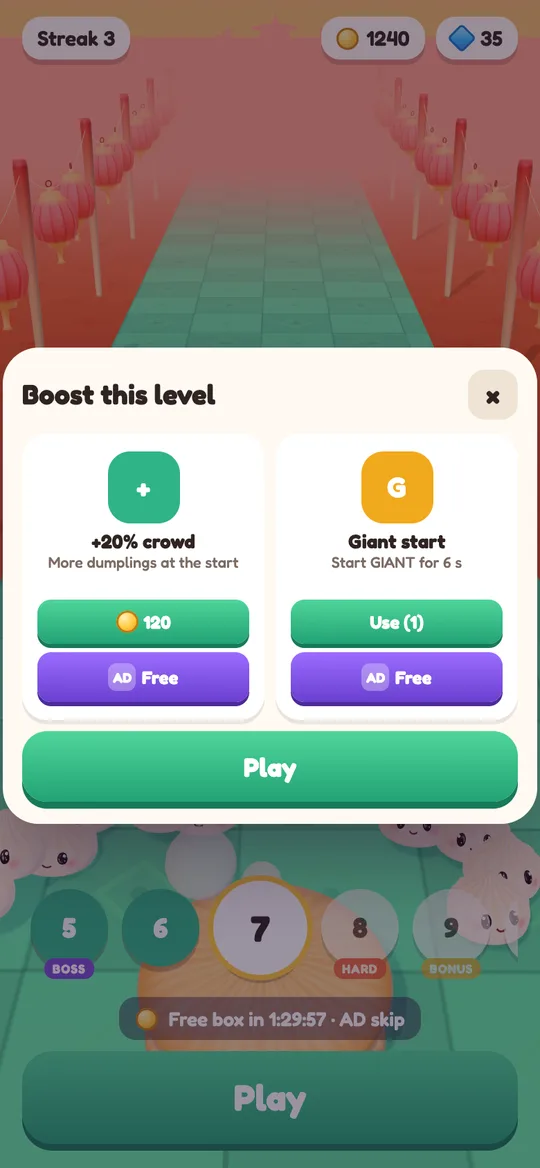
- Optional videos. Buttons marked AD let a player watch a short video to continue a run after a loss, double the coins on the win screen, get a free upgrade, get a boost before a level or skip the free box timer. Nothing happens unless the player taps.
- Break ads. A full-screen ad can appear only after a level your child won, from level 6, at most after every second win and at most once every 3 minutes. Never during play and never after a loss.
- One small banner at the bottom, only on the home screen, the shop, the upgrades screen and the win and lose cards. It is never shown during play, on the age screen or on the grown-up gate, and the game keeps clear space around it so it is hard to tap by accident.
For players under 13, every ad request is marked as directed to children and asks for non-personalised ads only. No consent form is shown, and the advertising ID is not used to build a profile.
For players 13 and over, Google may use the advertising ID and approximate location to show and measure ads. Where the law requires it, Google's consent form asks first, and the choice can be changed any time in Settings → Ad privacy choices.
Purchases and the grown-up gate
The game has optional in-app purchases: coins, gems, skins, a Starter Pack, the Dumpling Pass and No Ads, which removes break ads and the banner. All purchases go through Google Play. We never see payment details.
For players under 13, a grown-up question (a multiplication sum) appears before:
- any purchase,
- any link that leaves the game, such as the privacy policy,
- Delete my data.
Random rewards, like the free box that opens every two hours, can never be bought with real money. Coins, gems and skins can all be earned by playing.
Settings worth checking in Google Play:
- Open the Google Play Store app and tap your profile picture.
- Go to Settings, then Authentication, and turn on "Require authentication for purchases" for all purchases.
- If your child has their own Google account, use Google Family Link to approve purchases and downloads.
What data the game keeps
Short answer: almost nothing, and none of it reaches us.
- On the phone: level, coins, gems, upgrades, skins, Dumpling Pass progress, settings and the birth year. This is saved only on the device.
- Sent to Google AdMob: ad-related data such as ad views and taps, approximate location from the IP address and, for players 13 and over, the advertising ID.
- Sent to Google Play: purchase records, so purchases can be processed and restored.
The game does not ask for the camera, microphone, location, contacts or files.
How to delete everything
- Open Dumpling Dash and tap the gear to open Settings.
- Tap Delete my data (under-13 players need a grown-up to answer the question).
- The game restarts from the first level with the age question.
Uninstalling the app also deletes everything. Purchases stay with your Google account and come back with Settings → Restore purchases. The delete your data page has the same steps.
Our honest summary
Dumpling Dash is a short-session arcade game with cartoon squishing, optional videos, a banner on menus and optional purchases. It is built for a mixed audience, with child-safe ad settings for under-13s and a grown-up gate in front of anything that costs money or leaves the game.
If your child enjoys it and wants to get better, our crowd runner gate tips are a nice way to talk through the little maths behind each gate together. Questions? Write to us at hello@digcy.com.
FAQ
Does Dumpling Dash have chat or online play?
No. There is no chat, no friend list and no online play. Each player plays alone, and the game works offline.
Does my child need an account to play?
No. There are no accounts and no sign-in. Progress is saved only on the device.
Can my child spend money by accident?
All purchases go through Google Play, and for players under 13 a grown-up question appears before any purchase starts. You can also require authentication for every purchase in the Google Play settings.
Are the ads safe for children?
All ads are limited to a G rating. Players under 13 only get child-directed, non-personalised ads, break ads only appear after a won level, and the banner never shows during play.
How do I remove ads?
The optional No Ads purchase removes break ads and the banner. Optional reward videos stay available, and they only play when the player taps a button marked AD.